portfolio / notes
March 2, 2026
Solving the WooCommerce cron database over-limit problem caused by Redsys virtual POS testing.
woocommerce_cleanup_draft_orders
Database Over-Limit Problem
If you are experiencing a database limit on your Woocommerce-based e-commerce site, this may be the reason.
If you are having trouble accessing your website or dashboard, there is unusual activity in the database. If you see the query woocommerce_cleanup_draft_orders in the cron records, check the following steps in your own system.
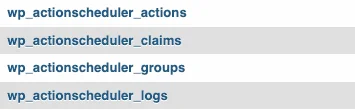
I set up Redsys virtual POS with WooCommerce infrastructure for an e-commerce site. While I was in the testing phase, I started getting an over-limit error in the database. The system was constantly sending new queries like a virus. Hundreds of new rows were added per second, so I had to clean the database every day or I was having trouble accessing the site.
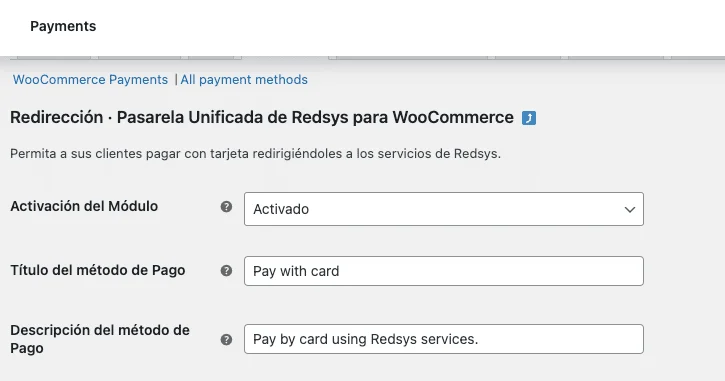
I searched for this issue on the internet. Many people left inquiries with similar complaints, but I could not find any correspondence that reached a solution. I did what was suggested at that stage. I closed and opened the plugins one by one, changed the theme and updated the WooCommerce settings, but the situation did not change. It was obvious that the problem was from WooCommerce, but everything seemed normal.
The site was under maintenance and WooCommerce and virtual POS were also in testing. I noticed that the query was dropped when I stopped the Redsys connection. So I decided to take action on Redsys testing.
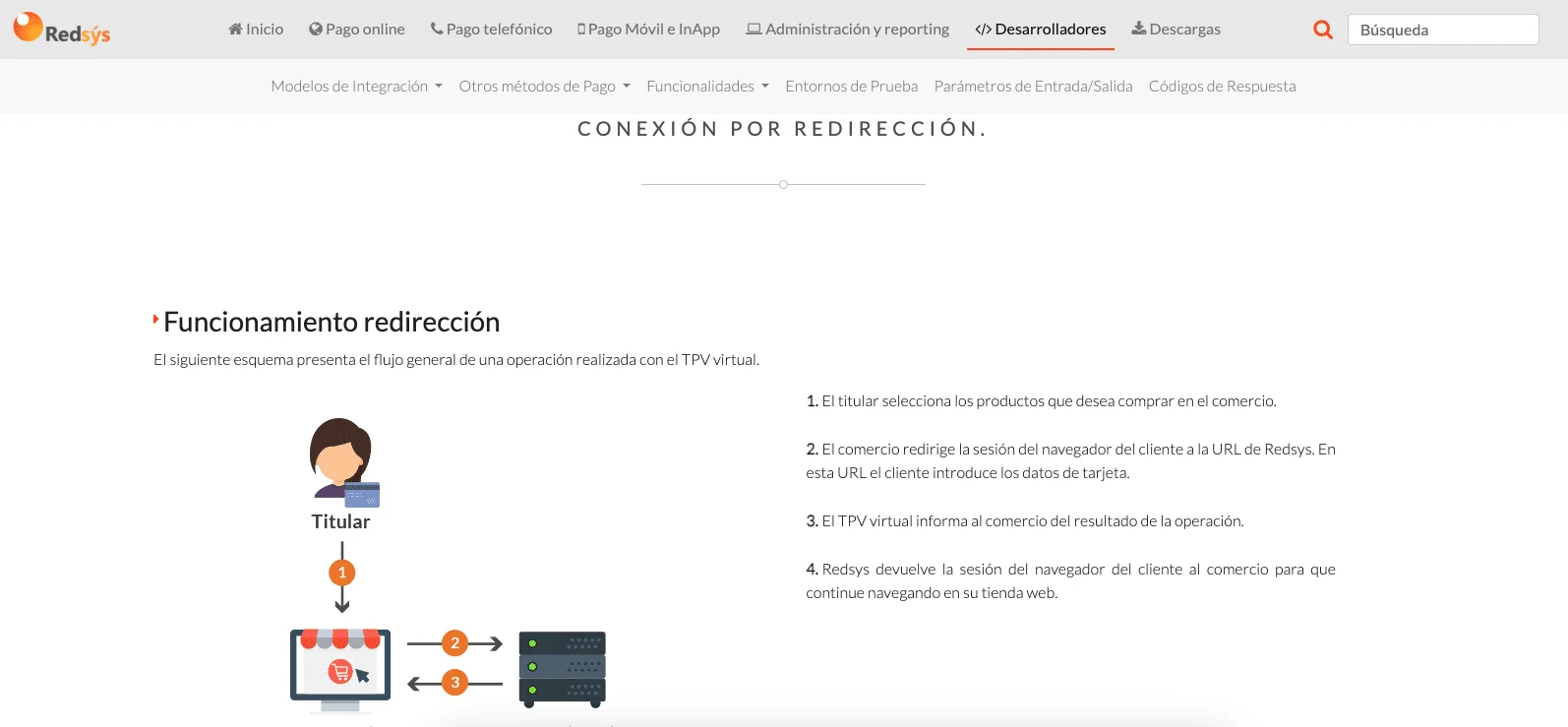
Redsys system is not user friendly at all. There is very little content in English anyway. And the necessary information in the documents comes from different places. Somehow, I received the test query and sent an e-mail and started the transition to production process from the portal.
After doing these, it doesn't send new queries. The transaction in the database has returned to normal.
SQL Cleanup
If you need to clean up the ActionScheduler tables, use these queries:
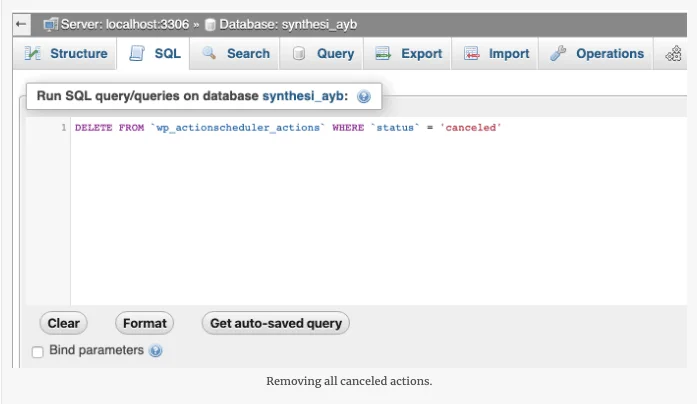
DELETE FROM wp_actionscheduler_actions WHERE status = 'canceled';
DELETE FROM wp_actionscheduler_actions WHERE status = 'failed';
DELETE FROM wp_actionscheduler_actions WHERE status = 'complete';
If you are still in the testing phase and are experiencing this issue, stopping the Redsys test connection and transitioning to production should resolve the problem.
Thoughts
share your perspective — approved comments will appear here